
Dynamics GP Is Ending — Migrate to the Cloud Before It’s Too Late
Microsoft will end Dynamics GP support by 2029. Move to Dynamics
365 Business Central or Cloud ERP with zero data loss and minimal disruption.
•Free GP migration assessment
•Secure & validated data migration
•Certified Microsoft experts
•Minimal downtime strategy
What is Microsoft Dynamics GP?
Microsoft Dynamics GP (formerly Great Plains) is a legacy ERP system used for accounting, finance, payroll, and operations by thousands of mid-sized businesses.
Financial management
(GL, AP, AR)
Streamline financial operations with integrated GL, AP, and AR. Ensure accuracy, maintain compliance, and gain real-time insights to manage your business finances more effectively.
Payroll and HR
Simplify payroll and HR processes with automated tools for hiring, payroll management, and employee records. Improve accuracy, ensure compliance, and gain better control over your workforce operations.
Inventory & Supply Chain
Optimize inventory and supply chain operations with real-time tracking, accurate forecasting, and efficient order management. Improve visibility, reduce costs, and ensure smooth and timely delivery across your operations.
Why Businesses
Are Moving Away from Dynamics GP
Microsoft has already stopped selling new GP licenses (2025–2026 timeline)
Product support ends by September 2029
Security updates stop completely by 2031
What This Means for You :
No updates or innovation
Rising support costs (fewer GP experts available)
Increased security and compliance risks
Outdated integrations with modern tools
The Problem
The Hidden Cost of Staying on Dynamics GP
Manual processes
and slow reporting
Struggling with slow reporting and outdated manual workflows that kill your team's productivity.
Expensive infrastructure &
maintenance
Wasting budget on aging server maintenance, complex backups, and high IT overhead costs.
Limited scalability
Your legacy ERP can't keep up with your growth, making it hard to scale operations globally.
Poor integration
Lacks seamless connectivity with Power BI, Microsoft 365, and modern cloud tools, impacting performance and collaboration.
No AI Insights
Missing out on AI-driven automation, predictive analytics, and real-time business intelligence.
Don't Get Left Behind
Your competitors are already moving to cloud ERP.
Move to a Modern Cloud ERP —
Without Disruption
We help businesses migrate from Dynamics GP to modern cloud platforms like :
Dynamics 365 Business Central
Azure-based ERP environments
Fully integrated Microsoft ecosystem
01
Complete GP data migration
Migrate all your Dynamics GP data, including financials, history, and customer records, with full accuracy and minimal disruption to your business operations.
What You Gain After Migration
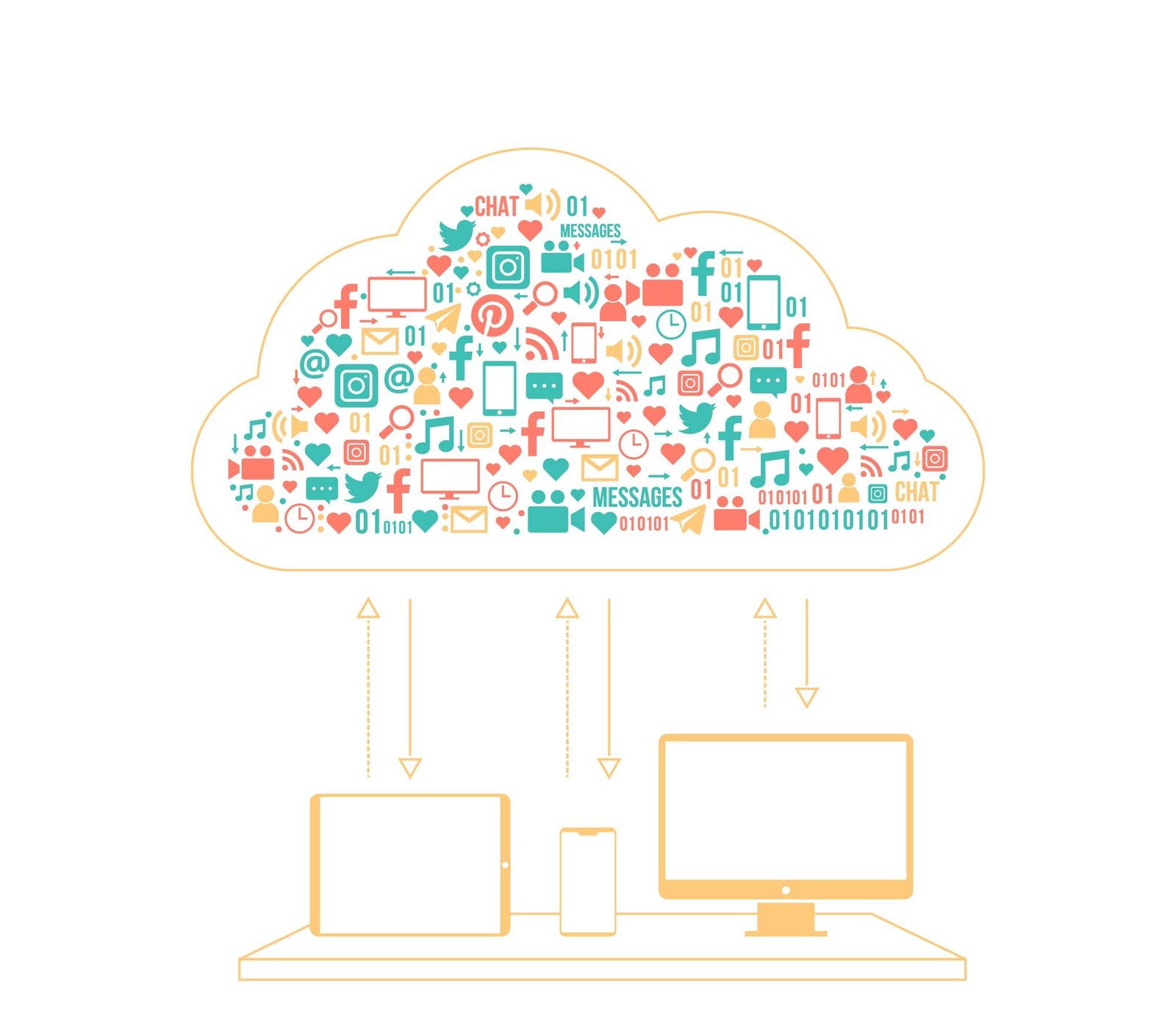
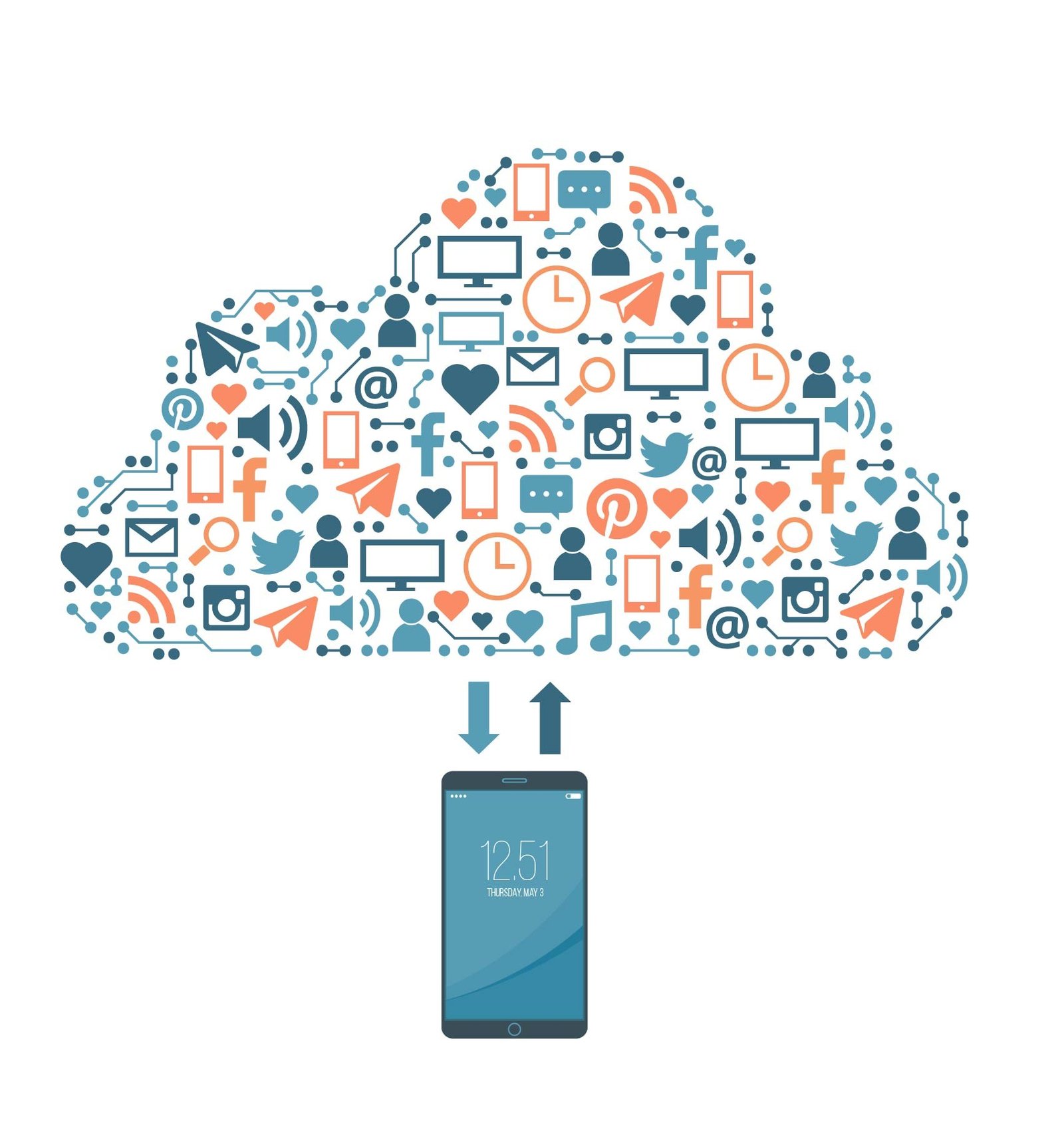
Cloud-based access
Work from anywhere, anytime with secure cloud access. Your data is always available and easily accessible, whether you're in the office, at home, or on the go
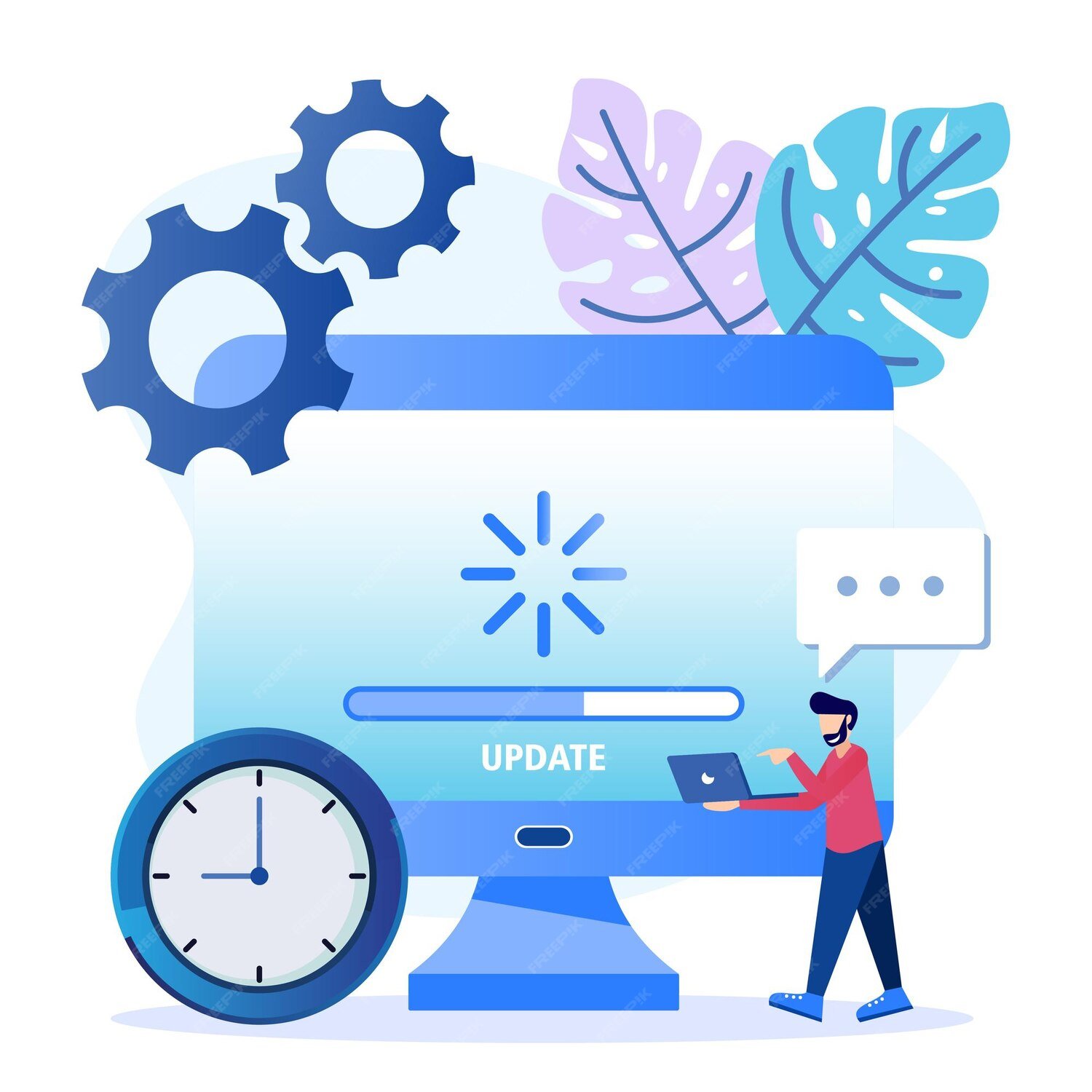
Automatic updates
Stay up to date with automatic updates. Always get the latest features, security patches, and improvements without manual effort.
Built-in AI & analytics
Leverage intelligent insights with integrated tools like Power BI and Copilot to make smarter, data-driven decisions faster.

Seamless Microsoft 365 integration
Seamlessly connect with Microsoft 365 apps like Excel, Outlook, and Teams to enhance collaboration and productivity across your organization.
Lower IT & infrastructure cost
Reduce the need for expensive hardware, maintenance, and IT resources by moving to a cost-effective cloud-based system.

Scalable for future growth
Easily scale your system as your business grows, adding users and features without disruption or major investment.

Cloud ERP enables real-time insights, automation, and better decision-making.
Something traditional systems like GP cannot provide.
Our Proven GP Migration Framework
A successful migration is not just technical — it requires planning, data accuracy, and the right partner.
Discovery & Assessment
Audit your existing GP system, including modules, customizations, and integrations. Understand current workflows and identify gaps, risks, and dependencies. This step helps create a clear foundation for a smooth and well-planned migration process.
Data Cleanup & Mapping
Clean, structure, and organize your data to ensure accuracy and consistency. Remove duplicates, fix errors, and standardize formats. Map key data elements such as chart of accounts and transactions to align with the new system.
Strategy & Planning
Define clear business goals, migration scope, and timeline in collaboration with stakeholders. Establish priorities, allocate resources, and outline the overall migration strategy. This ensures the project stays on track and meets business objectives.
Migration Execution
Execute the migration by securely transferring data to the new system. Perform validations at every stage to maintain data integrity. Ensure minimal downtime and avoid disruptions to business operations during the transition.
Testing & Validation
Thoroughly test the migrated data, workflows, and system integrations. Validate accuracy, performance, and functionality across all processes. This step ensures everything is working correctly before moving to the live environment.
Go-Live & Support
Launch the new system smoothly with proper user training and guidance. Monitor performance closely and resolve any issues quickly. Provide ongoing support to ensure long-term stability and continuous improvement.
Is This Right for Your Business?
Dynamics GP Users
Businesses currently using Dynamics GP.
Digital Transformation Planning
Companies planning digital transformation.
Scalability Needs
Growing companies needing scalability.
Finance Teams
Finance teams needing real-time reporting.
Security & Compliance
Organizations facing compliance or security risks.
Trusted Experts in GP to Cloud Migration

Deep Expertise
Strong experience in Dynamics GP & Business Central
Proven Frameworks
Structured and tested migration processes
Data Security
Security-first approach with full data integrity
Transparent Timelines
Clear delivery schedules and pricing
End-to-End Support
Complete implementation with ongoing support
Why CodeNova?
With our deep industry knowledge and proven methodologies, CodeNova is a trusted Microsoft Dynamics 365 Business Central migration and upgrade services partner. Backed by many years of experience and a proven track record of reliability, we have successfully completed hundreds of projects for partners worldwide. As an official Microsoft Modernization Center, we leverage advanced automated tools that enable faster and more efficient migrations.

Fixed Price
Our transparent pricing model helps you plan your budget with confidence. We ensure high-quality services while keeping your costs predictable and under control.

Expert Team Support
Our skilled professionals work closely with you at every stage, providing guidance and support to make the entire migration process seamless.
Efficient & Reliable Process
We follow a structured approach to deliver quick and dependable results, minimizing disruptions and helping your business stay competitive.
What Our Clients Achieve
Real results from companies that have migrated from Dynamics GP to Business Central.
Reduction in manual workload after migration.
Financial reporting, moving from weeks to days.
IT costs with serverless, cloud-based infrastructure.
Operational efficiency across all departments.
Q1: How long does GP migration take?
On average, a migration takes 4–9 months. The exact timeline depends on your data volume, the number of custom modules, and third-party integrations. We provide a definitive roadmap during our initial "Discovery & Assessment" phase.
Q2: Is my data safe during migration?
Absolutely. We employ a "Security-First" approach. This includes full backups before the process starts and strict validation protocols during the transfer. We ensure 100% data integrity with zero loss.
Q3: Can I migrate custom GP modules?
Yes. While older GP customizations cannot always be moved "as-is," we specialize in rebuilding or mapping that custom logic into modern Business Central environments or Power Platform solutions to ensure your unique business workflows remain intact.
Q4: Do I need to shut down operations?
No. We use a phased migration strategy to ensure minimal disruption. Your team can continue their daily operations while we handle the data transition in the background, ensuring a smooth "Go-Live" with no significant downtime.
Start Your GP Migration Before Deadlines Hit
Get a free consultation, timeline, and cost estimate tailored to your business.